NOUN E-Exam vs Pen-on-Paper (POP) Exam: What is the Difference?
Not sure whether your NOUN exam will be electronic or pen-on-paper? This guide explains the difference and what each format feels like in practice.
 NOUNCOMPASS
NOUN E-Exam vs Pen-on-Paper (POP) Exam: What is the Difference?
Not sure whether your NOUN exam will be electronic or pen-on-paper? This guide explains the difference and what each format feels like in practice.


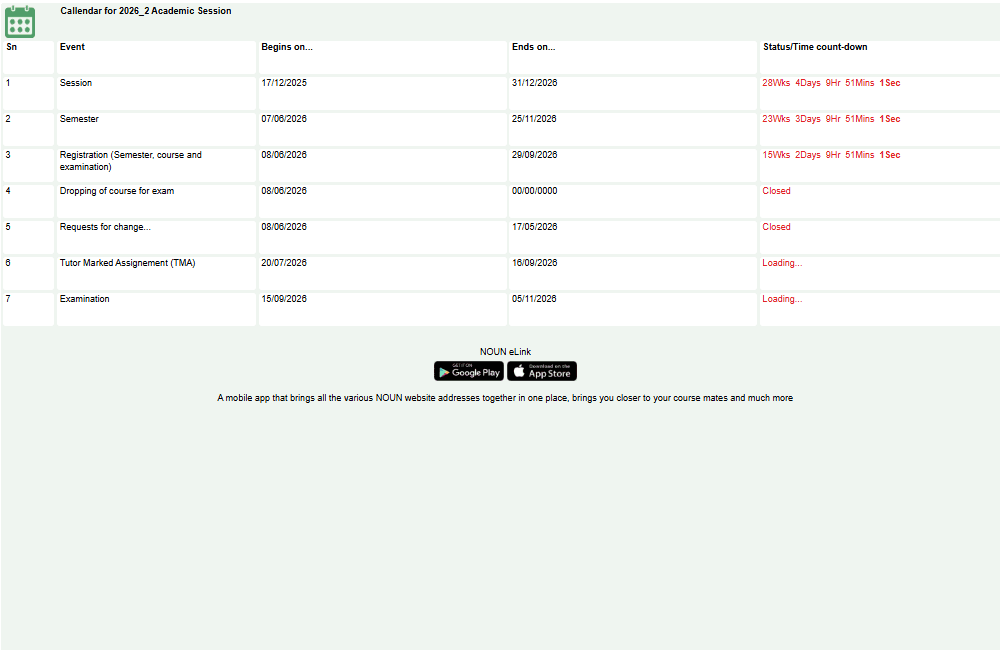
Not sure whether your NOUN exam will be electronic or pen-on-paper? This guide explains the difference and what each format feels like in practice. Confirm the current timetable, venue, and registration status for your own courses.
The main difference between e-exam and POP
E-Exam (Electronic):
- Taken on computer at exam centre
- Questions appear on screen
- You type answers on computer
- Automatic grading (mostly)
- Immediate feedback possible
POP (Pen-on-Paper):
- Traditional written exam
- Questions on printed paper
- You write answers by hand
- Manual grading by examiner
- Results take longer
Which you take: Depends on your course and program. Check your course registration for exam type.
What To Compare Before Exam Day
This guide compares e-exams and POP exams, explains preparation differences, lists checks before exam registration, and shows what evidence to keep.
E-Exam Format Explained
What changes in an e-exam
- Questions and responses are handled on a computer.
- Navigation, timing, review, and submission controls depend on the current exam interface.
- Students should practise reading and answering on-screen before the examination.
E-Exam Features
- Multiple choice questions
- Short answer questions (type in box)
- Essay questions (typing)
- Timer shows remaining time
- Review controls depend on the instructions shown in the live examination
How E-Exam Works
- Follow the reporting time and identification instructions on your current exam notice.
- Complete the centre's check-in process.
- Read the on-screen instructions before answering the first question.
- Watch the timer and use only the navigation controls the interface provides.
- Confirm the final submission state before leaving the workstation.
POP (Pen-on-Paper) Exam Format
What changes in a POP exam
- Questions and responses are handled on paper.
- Handwriting, page order, question numbering, and time management matter.
- Students should practise writing complete answers within the time allowed.
POP Features
- Questions on printed booklet
- Answer on answer sheet or booklet
- May have multiple choice section
- May have essay section
- Examiner reads and grades manually
How POP Works
- You arrive early
- You check in and receive question booklet and answer sheet
- At exam time, you're allowed to start
- You read questions and write answers
- You manage your own time (check watch)
- Examiner collects papers at end time
- Papers are sent for manual grading
- Keep any permitted exam record and use the official result workflow when results are released
Comparison Table
| Feature | E-Exam | POP |
|---|---|---|
| Format | Computer-based | Handwritten |
| Response method | On-screen controls | Paper answer sheet or booklet |
| Time check | Interface timer where provided | Clock or invigilator guidance |
| Working and diagrams | Follow the tools and instructions provided | Show work clearly on the permitted paper |
| Main preparation need | Comfort with the live computer interface | Legible, well-organised handwritten answers |
Preparation Differences
Prepare for E-Exam
- Practice typing (speed and accuracy matter)
- Take online practice exams
- Test your typing speed
- Practice using exam software (if available)
- Ensure you can navigate computer interface
- Mentally prepare for computer stress
Prepare for POP
- Practice writing by hand (maintain legibility)
- Manage time with physical watch
- Practice essay writing
- Organize answers clearly on paper
- Bring extra pens (as backup)
- Practice working under time pressure
Quick answers
Open any question for the answer.
01Is this an official NOUN guide?
NOUN Compass is independent. Confirm final requirements, dates, fees, and portal instructions through current official NOUN channels.
02What if the official portal shows something different?
Follow the current official portal information and contact your study centre or official support when clarification is needed.
03How often is this guide reviewed?
The displayed last-checked date shows the most recent editorial review, but official processes may change afterward.
04Q1: Can I choose which exam format?
Use the exam format attached to your course in the current registration or timetable. This page does not assume students can switch formats.
05Q2: What if computer crashes during e-exam?
Alert the invigilator immediately and follow the centre's recorded incident process. Do not restart, move seats, or assume your answers were saved without confirmation.
06Q3: What if I fail both e-exam and POP in different courses?
Check the result and current carryover guidance for each course. This article does not verify the format of a later attempt.
07Q4: Is e-exam harder than paper exam?
Not inherently, but depends on your comfort with computers. Some find it easier, others harder.
08Q5: Can I request paper exam if course offers e-exam?
Use the current official accessibility or exam-support route. This page does not verify which adjustments are available or who approves them.
09Q6: Which format is used more at NOUN?
The mix can change by course and examination period. Check the format assigned to your own registered courses.